Conductor's Wand
The Conductor's Wand is a tool designed for large-scale Note Block projects, allowing players to select regions like in WorldEdit and batch-edit properties of all Extended Note Blocks within the selection.
Basic Operations
1. Region Selection
- Set Point 1 (Pos1): Hold the wand and Left Click a block.
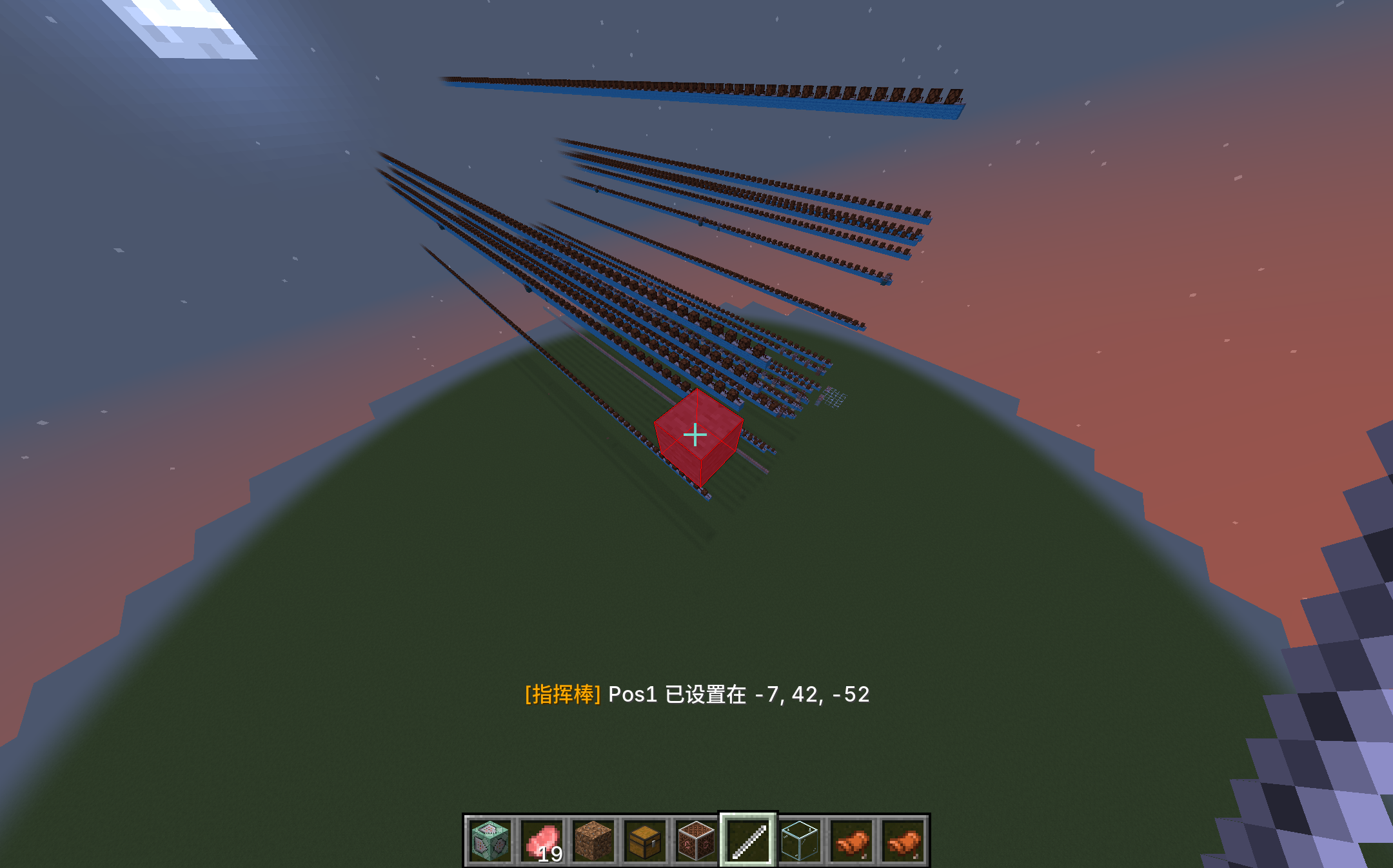
- Set Point 2 (Pos2): Hold the wand and Right Click a block.
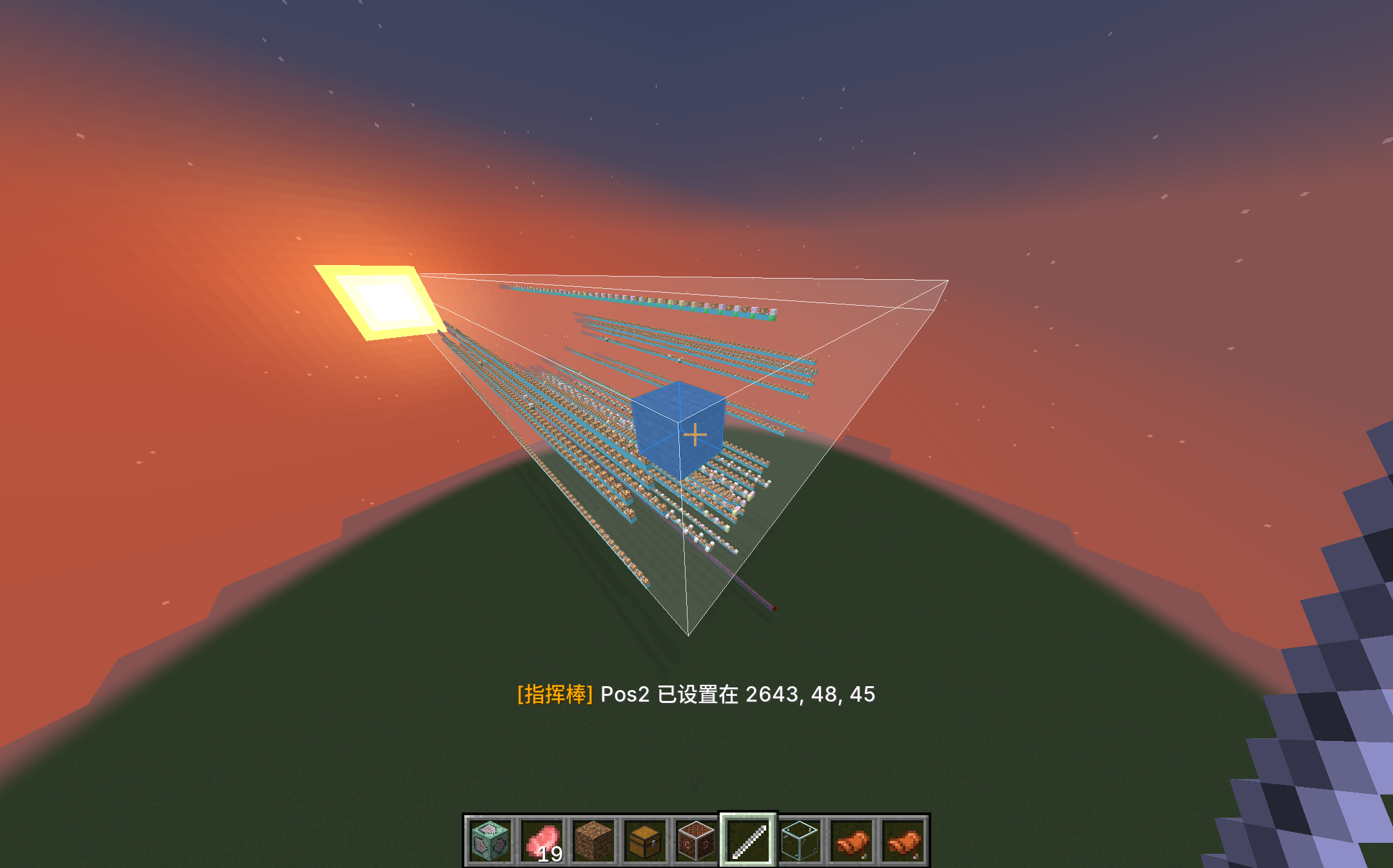
- Once the selection is complete, the screen will display the selected range.
- Hold the Backspace key to cancel the selection.
2. Open Editor Interface
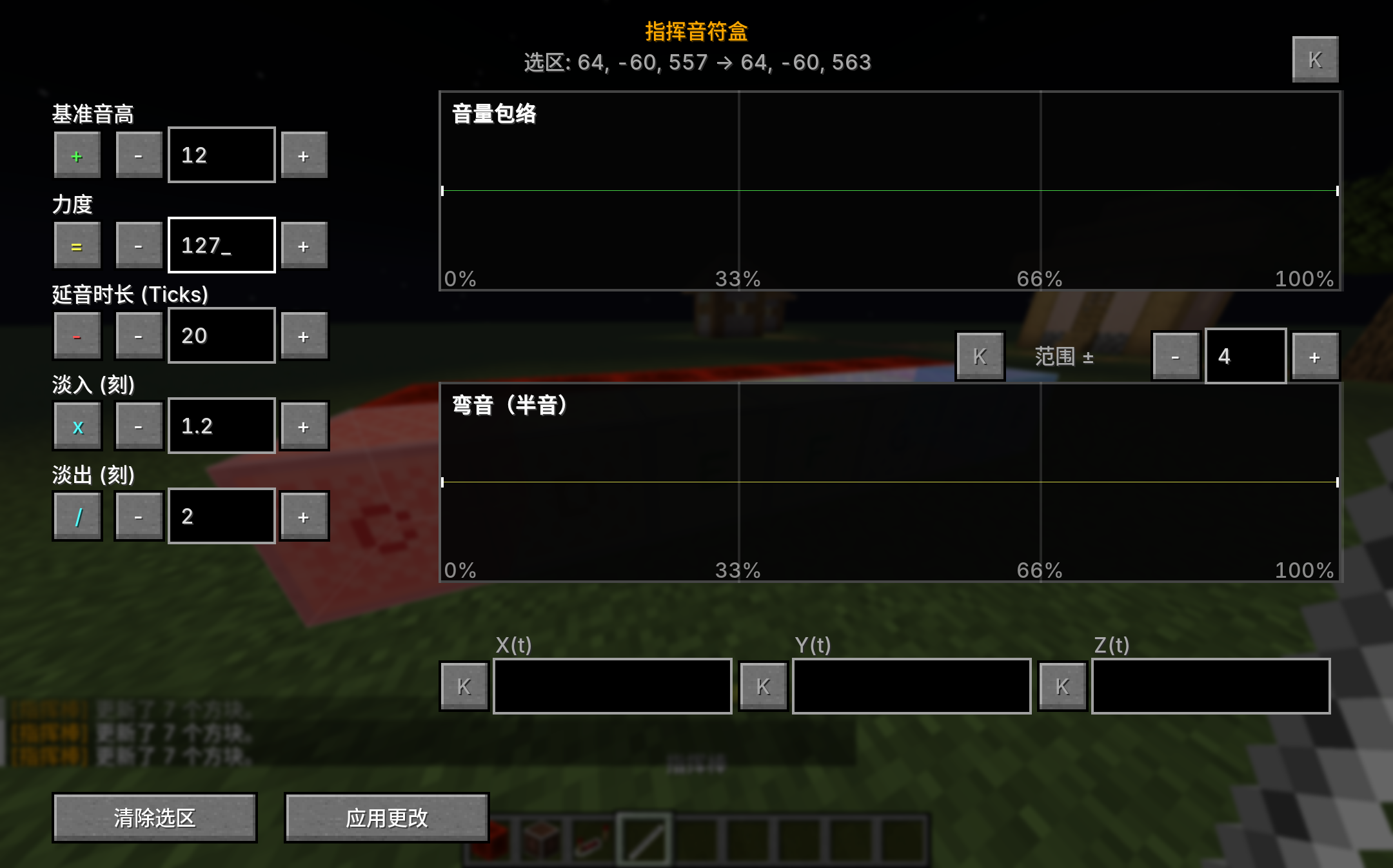
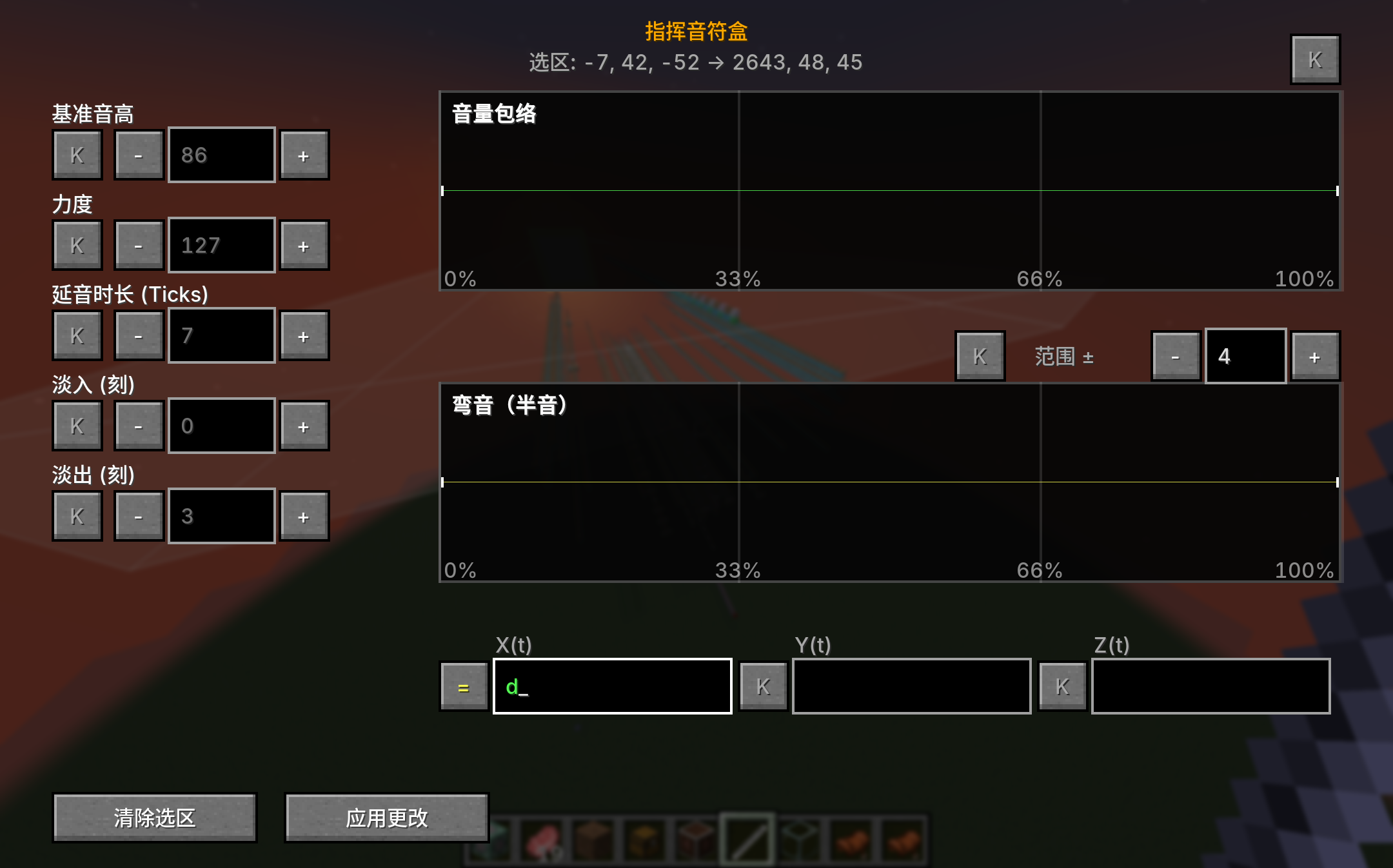
- After selecting two points, press the Enter key to open the Conductor interface.
Batch Editing Features
The interface lists all editable parameters of the Extended Note Block. Each parameter has a Mode Switch Button next to it:
Edit Modes Explained
- Keep (K): Does not modify this parameter, keeping the block's original value.
- Set (=): Sets this parameter for all blocks in the selection to the input value.
- Add (+): Adds the input value to the block's original value (e.g., raise all notes by an octave +12).
- Subtract (-): Subtracts the input value from the original value.
- Multiply (x) / Divide (/): Scales the parameter by a factor (commonly used for percentage adjustments of velocity or delay).
Supported Parameters
- Note (Pitch)
- Velocity
- Sustain
- Delay
- Fade In/Out
- Properties in Advanced Mode
Practical Tips
- Quick Transposition: After selecting a musical section, use the "Add" mode and input
12or-12to quickly raise or lower it by an octave. - Gradient Dynamics: Set a base velocity uniformly, then refine it with envelopes in Advanced Mode.
- Global Alignment: If a section is rushing within a beat, use the "Add" mode to add a uniform positive deviation to the Delay.